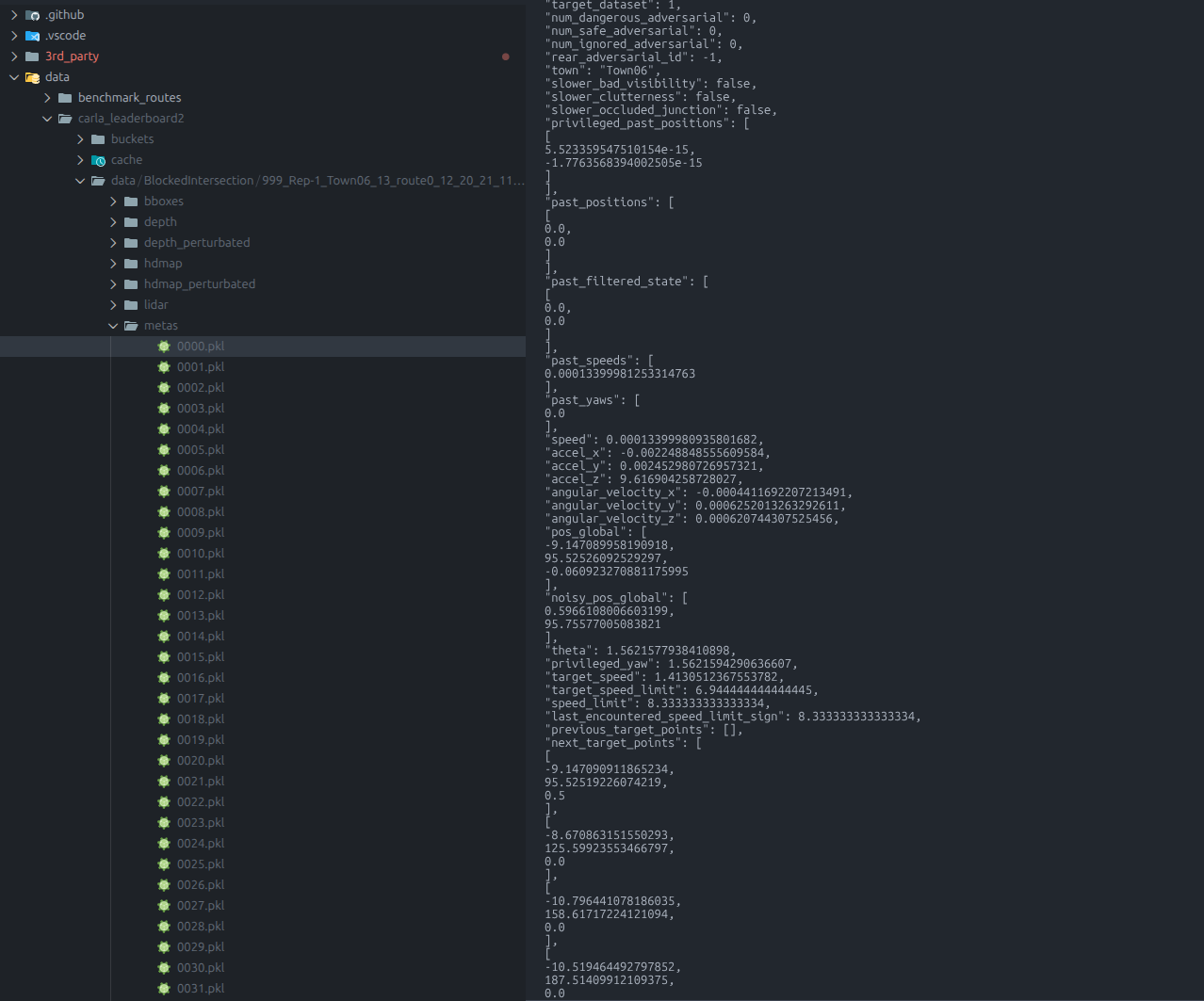
Inspecting Pickle Files
We compress and store our meta data with lzma and pickle. Empirically this allows us to save most memory.
In order to inspect the pickle data conviniently on VSCode, we recommend vscode-pydata-viewer and this script
import sys
import pickle
import lzma
import json
import numpy as np
def process_pickle_file(file_path):
with lzma.open(file_path, 'rb') as f:
data = pickle.load(f)
print(json.dumps(data, indent=4, default=_json_default))
def _json_default(obj):
if isinstance(obj, np.ndarray):
return obj.tolist()
if isinstance(obj, (np.integer, np.floating)):
return obj.item()
return str(obj)
if __name__ == "__main__":
file_type = int(sys.argv[1])
file_path = sys.argv[2]
if file_type == 1: # Pickle file
process_pickle_file(file_path)
Configure vscode-pydata-viewer.scriptPath to point to the script’s path and you will be able to inspect the pickle file directly with VSCode